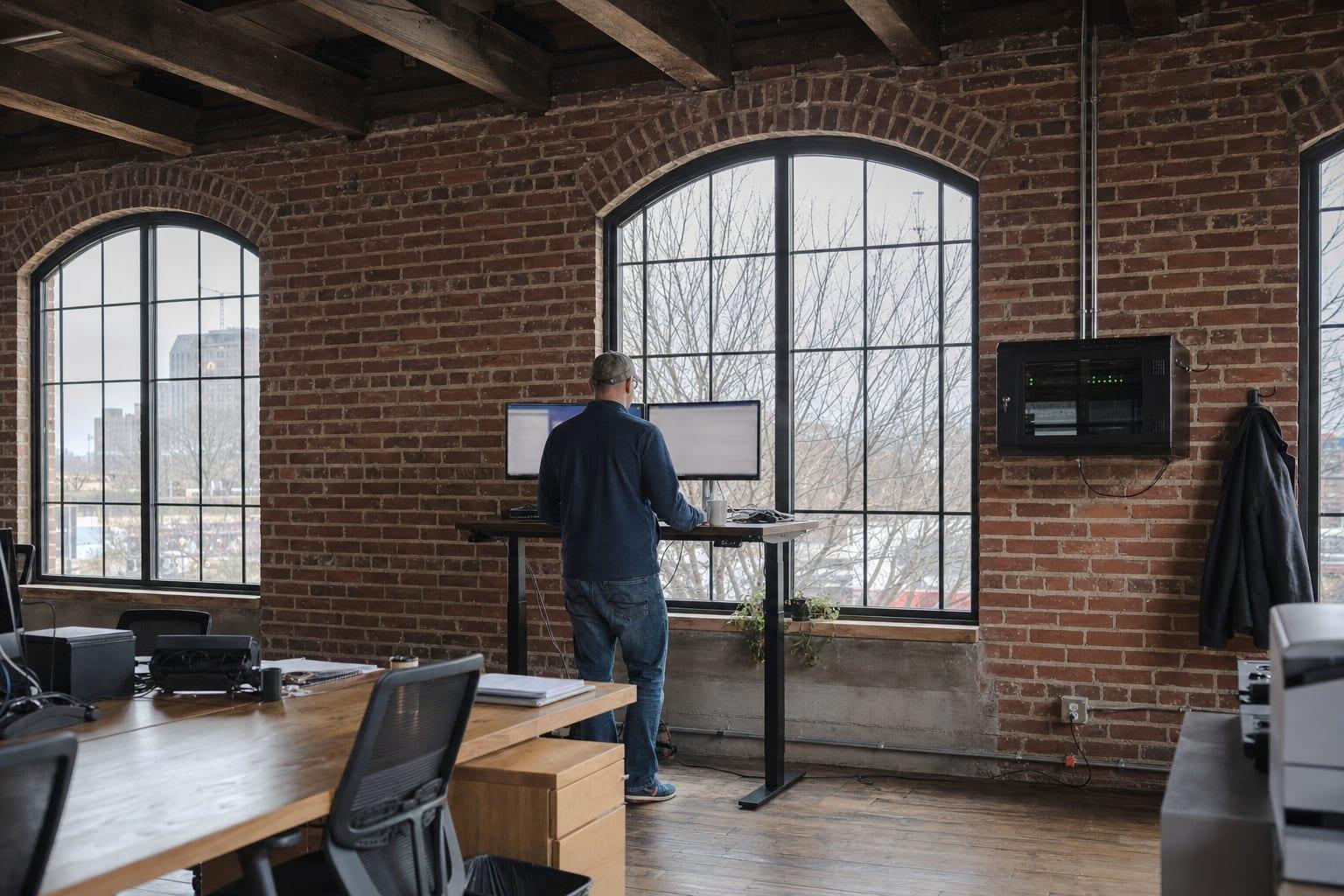
Managed IT for KC Businesses
Managed IT Services in Kansas City, MO
Tell us what broke this month. Then ask why it was able to.
Managed IT Services for Kansas City Businesses
Managed IT services in Kansas City give a business one monthly agreement covering its computers, network, security, backups and staff support. Email contact@manageditserviceskansascity.com with your headcount and what keeps failing, and you get a written scope and a quote.
Here is the usual story. The office hit fifteen people. The person who "knows computers" now loses a day a week to resets and printer jams, the backup has not been checked since it was installed, and three former employees still have working logins.
None of that is exotic. All of it is fixable inside a month. It just needs someone whose actual job it is.
IT Support Built Around the Second Question
The first question on any ticket is what broke. Everybody asks it. The second question is why it was able to break, and that is the one that separates managed IT from an expensive repair service.
A laptop that will not connect gets fixed in ten minutes. If the cause was an access point installed above a steel duct in 2018, it will be back Thursday. So the fix is written down, the cause is chased, and you are told plainly when a piece of equipment has reached the end of the road.
Who we are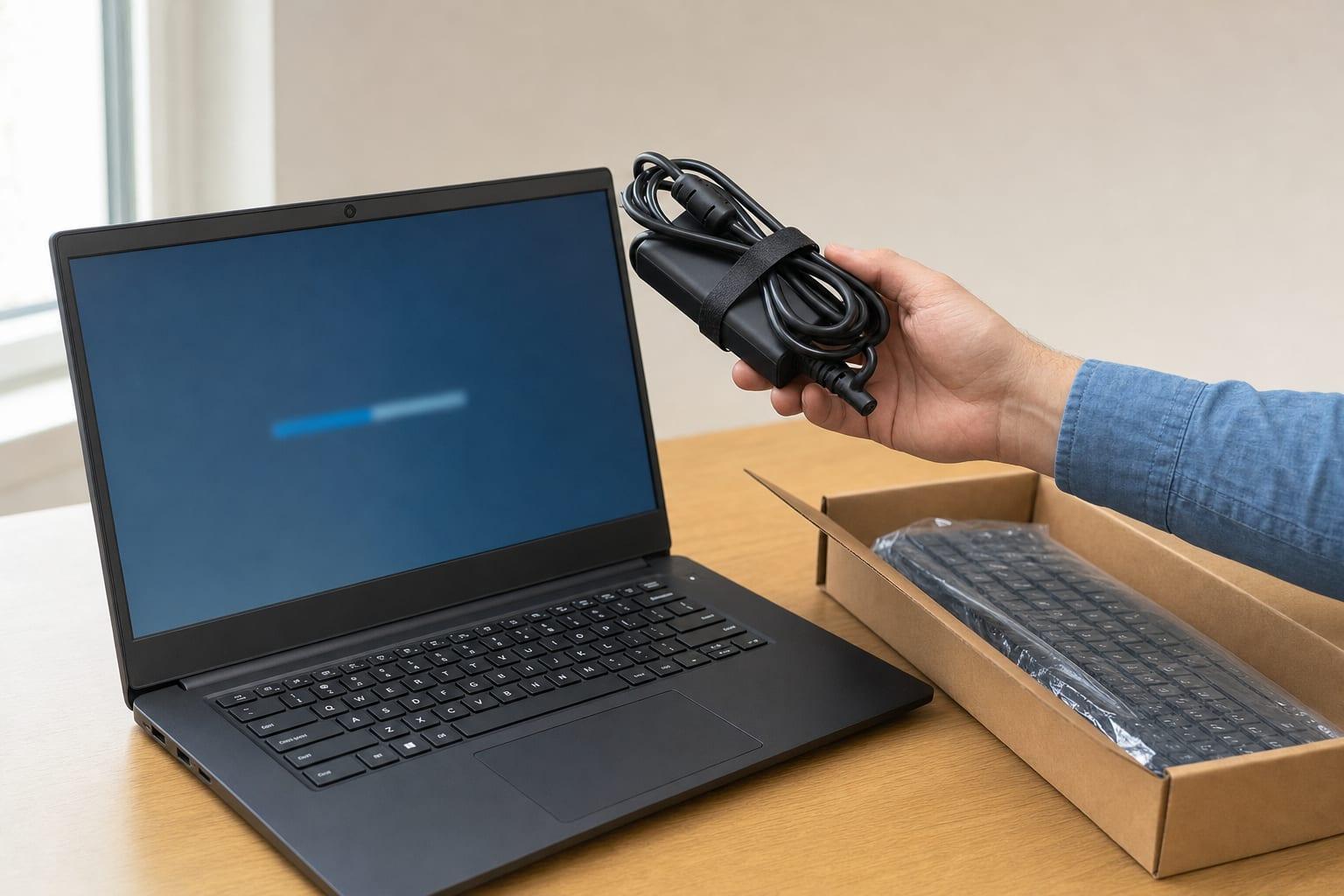
Our Services
Start with the page that matches your problem. Daily support and help desk, security and testing, the network underneath, or the phones, cameras, doors and cable that hang off it.
IT Support
Someone to call when a computer, login or shared drive stops working, and a fix that covers why it broke.
See details →IT Services
Every piece of office technology under one plan, from the laptops to the phones to the door reader.
See details →IT Consulting
A second opinion before you sign the lease, the quote or the three-year contract.
See details →IT Help Desk
A number and an inbox your staff can use when a login, an app or a printer gets in the way.
See details →Cybersecurity
The controls that stop the common attacks, plus the paperwork your insurer and clients now ask for.
See details →Penetration Testing
An authorized attack on your own network and apps, ending in a report you can hand to an auditor.
See details →Network Support
Firewall, switches and Wi-Fi watched and kept current, so the network stops being the suspect in every outage.
See details →Business Phone Systems
Cloud phones that ring the right person, on a desk or a mobile, with 911 set up correctly.
See details →Security Camera Installation
Business cameras aimed at something specific, recording reliably and walled off from the office computers.
See details →Access Control Systems
Doors that open with a fob or a phone, a log of who came in, and no more re-keying when someone quits.
See details →Network Cabling
Low-voltage cable pulled, terminated, labeled and tested, for one new drop or a full suite.
See details →Audio Visual Systems
Conference rooms where the meeting starts on time because the screen, camera and microphone just work.
See details →Mobile Device Management
Company data on phones, tablets and laptops kept encrypted, updated and erasable when a device goes missing.
See details →Managed IT Services
A flat monthly arrangement that keeps computers patched, backups tested and staff supported, with the scope in writing.
See details →IT Onboarding and Offboarding
New hires productive on day one, and departing staff fully locked out by the end of their last.
See details →Application Support
Help with the business software your office lives in, including the calls to the vendor nobody wants to make.
See details →Printer Support
Printers, copiers and scanners that stay connected, with scan-to-email that survives a password change.
See details →Our Service Area
This metro is two states stitched together along one road. A company can have its office in Johnson County, its warehouse in Clay County and half its staff commuting across the line every morning. Support here covers both sides without treating either as an afterthought.
Work reaches north past the airport to Smithville and Kearney, east to Independence and Grain Valley, and west into Kansas as far as Leavenworth. The service areas page has every town. If yours is missing, ask anyway.
See all service areas
Why Choose Managed IT Services Kansas City?
Managed IT Pricing in Writing
A flat monthly figure with covered, excluded and billable items listed. You see it before you commit to anything.
You Keep the Keys
Admin passwords, the network diagram and the license list are documented and handed to you. They are your property.
Backups That Were Restored
A backup is only real after a test restore. You get the date of the last one.
Missouri and Kansas Offices
One scope can cover sites in both states, with each state's breach notification rules accounted for.
Outsourced or Co-Managed
Hand over everything, or keep your own IT person and outsource the tools, the nights and the projects.
Questions We Hear Often
What do managed IT services include?
Managed IT services include monitoring, patching, backups, security tools and a help desk for a flat monthly fee. Hardware, software licenses and large projects are usually billed separately. A proper agreement lists every included and excluded item.
How much do managed IT services cost in Kansas City?
Managed IT pricing in Kansas City is normally set per user or per device each month, and it moves with the number of locations, servers and hours of coverage. Published averages hide a wide range. Ask for a written quote based on your own inventory.
How do I choose a managed service provider?
Choose a managed service provider by comparing written scopes, not sales calls. Check who answers support requests, how backups are tested, what is excluded from the fee and whether you hold your own admin passwords. Then ask how the contract ends.
Do you support businesses on the Kansas side of the metro?
Businesses on the Kansas side are covered the same way as those in Missouri, including companies with sites in both. Most support is remote, and on-site visits are scheduled for either state. Start on the service areas page.
Is managed IT worth it for a small business?
Managed IT is worth it once downtime costs more than the monthly fee, which tends to arrive as headcount grows. For a very small office, hourly support plus a few managed basics such as backup and patching can be the better buy.

Talk to a Kansas City Managed IT Team
Send three numbers. People, computers, locations. Add whatever broke most recently.
Call (816) 551-2447Get a Free Quote
No obligation.